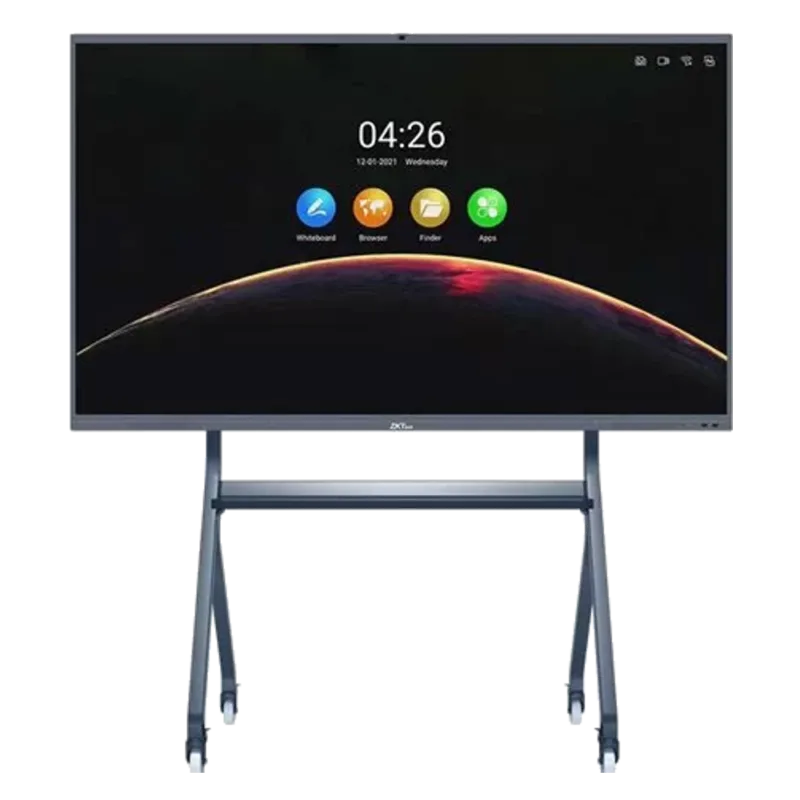
Description
Display multiple screens simultaneously
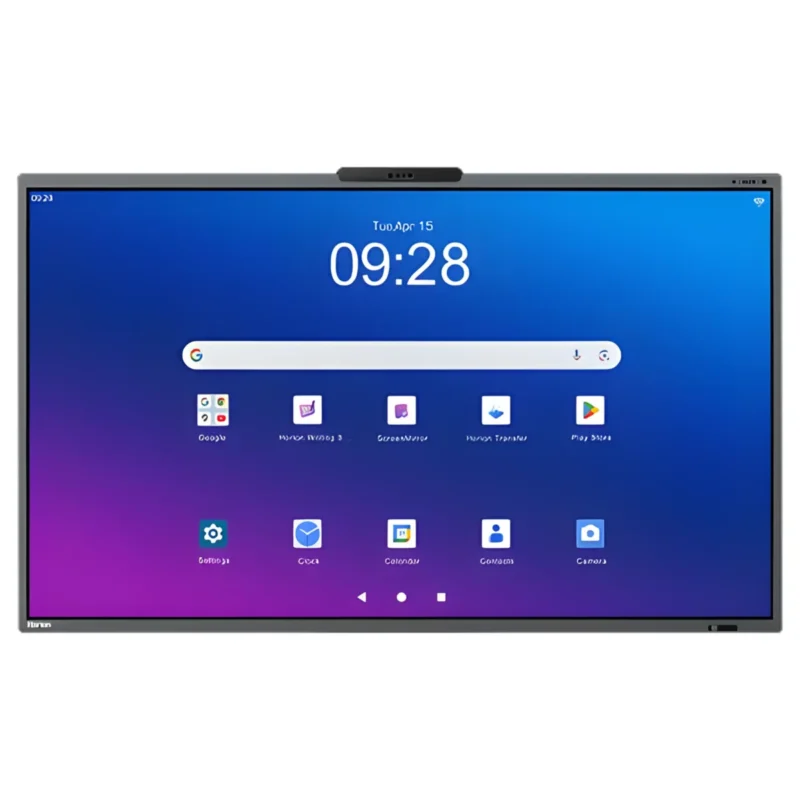
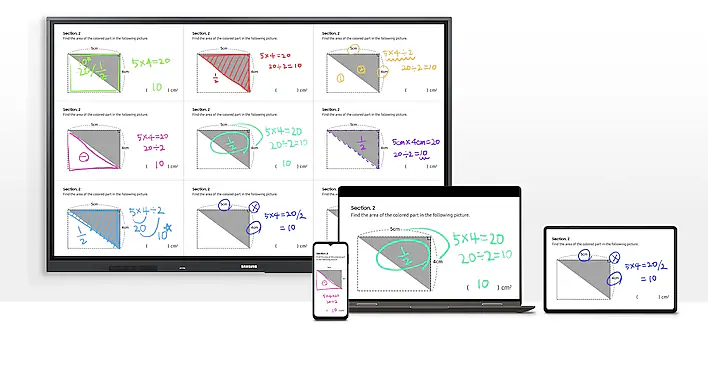
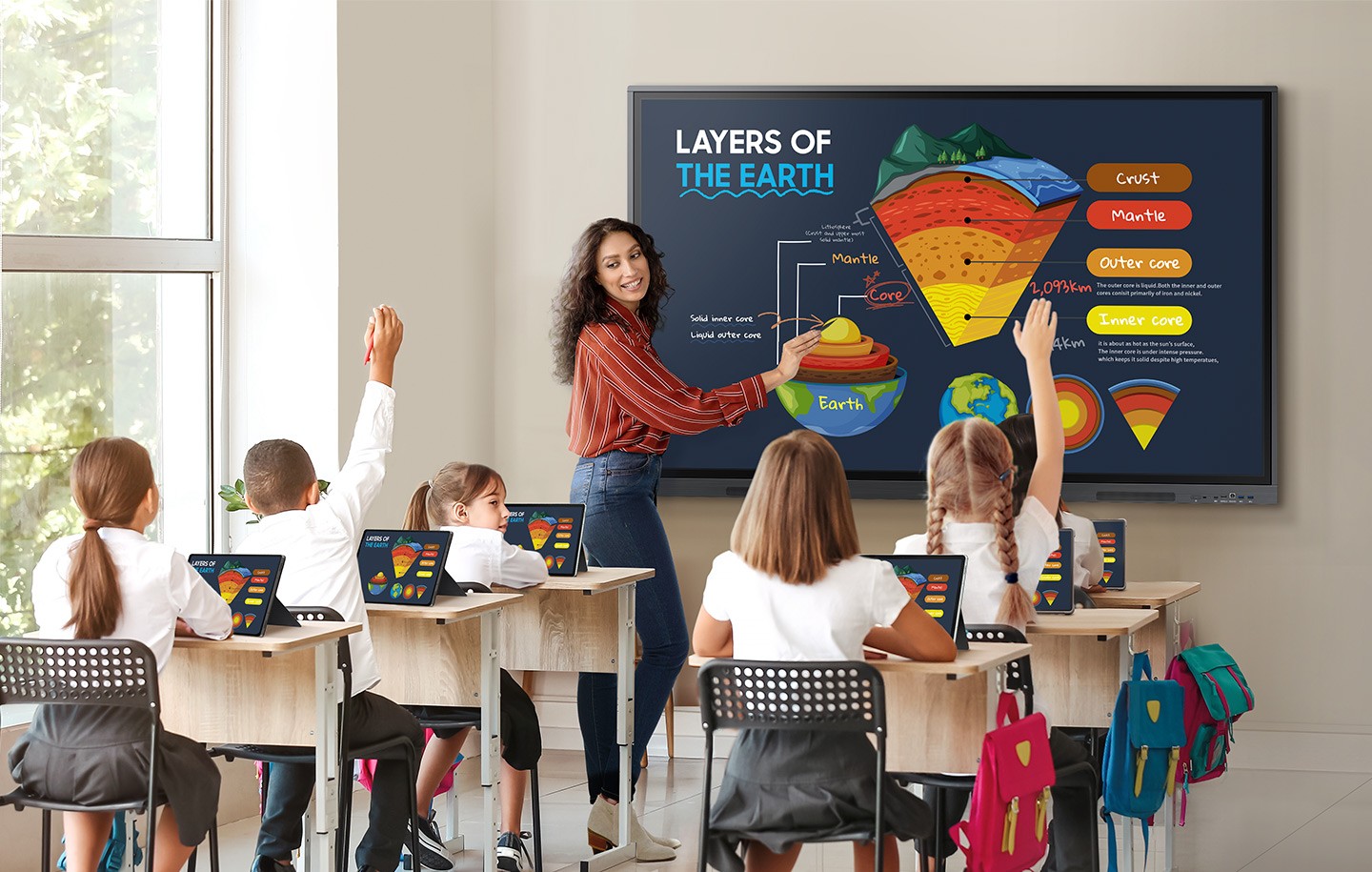
Multiple Screen ModeA variety of screen mode options, including split screen mode and multi-window mode, enables teachers to easily display and to easily display and multitask at the same time on the WAC series. This flexibility helps educators conveniently access all the information required to create an engaging learning environment.
Powerful Screen Sharing
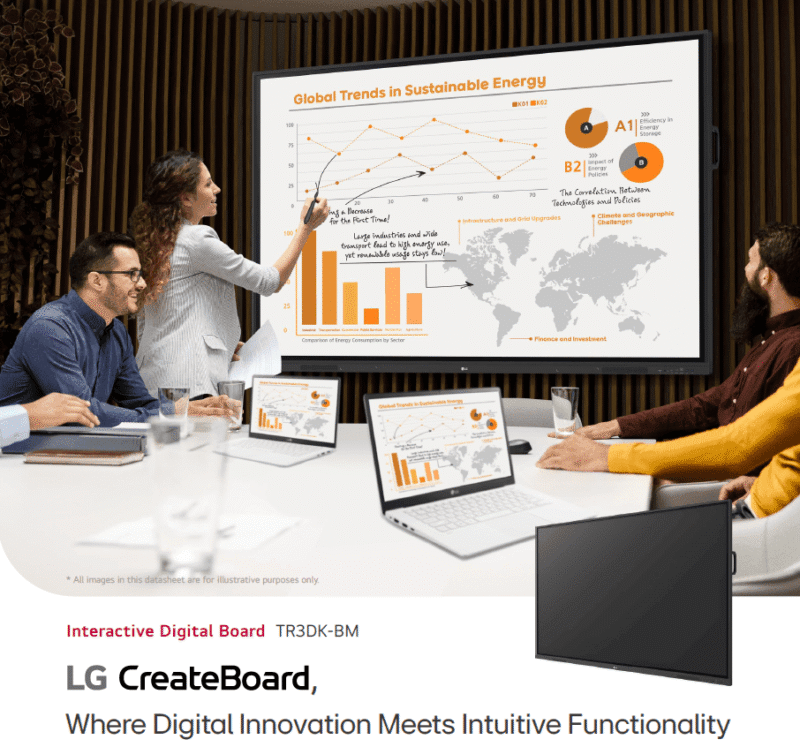
With WAC, the teacher can have students screen mirror up to nine devices simultaneously for improved student engagement. This feature ensures every student is included and engaged as content can be shared both ways between the large display and individual devices. It can be used on iOS, Mac, Windows, Android, or Chrome OS.
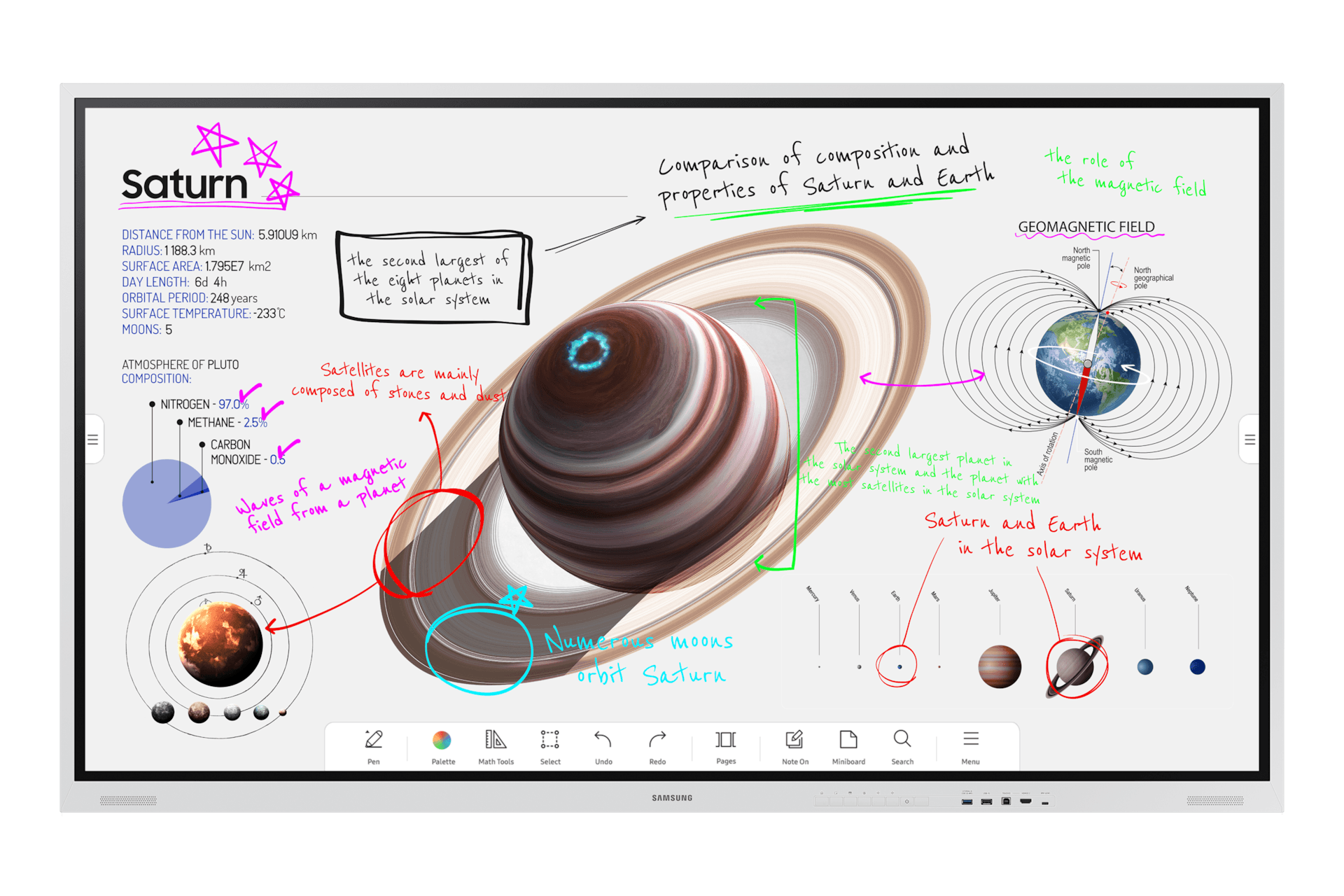
Bring ideas to life in an instant
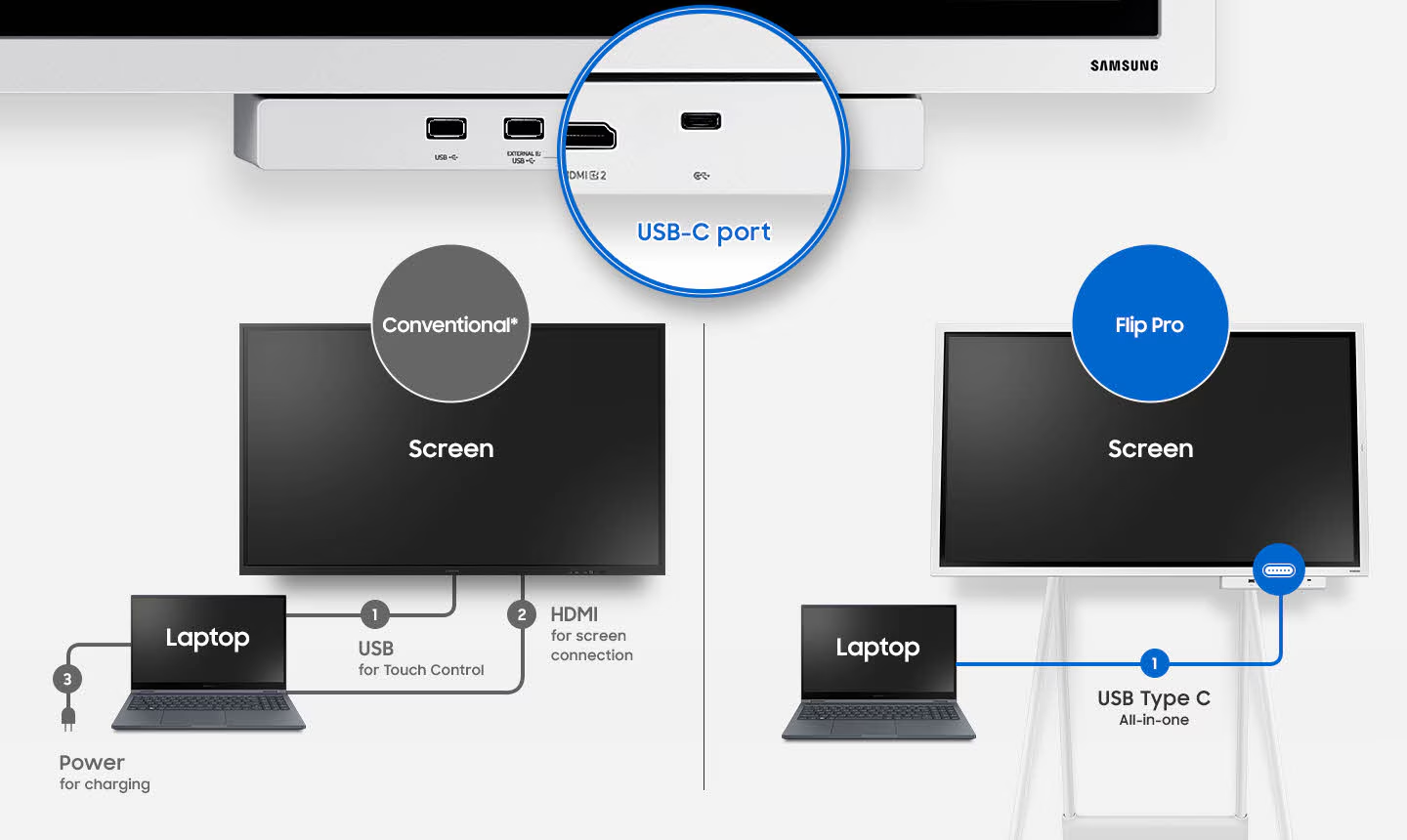
Intuitive writing & drawingIdeas are brought to life instantly on Flip Pro with pen and brush mode that provides a real-world writing experience, while flexible erasing requires just a swipe of your finger or palm. The quick tool and palette menu ensure creativity flows and toggle button easily enables a new note layer UI.
Smart, wireless sharing from multiple from devices
SmartView+
With SmartView+, up to 50 devices can be simultaneously connected to the interactive display wirelessly, in addition to enabling multi-view on up to four screens. This cable-less screen sharing functionality is ideal for larger meeting rooms as well as digitized classrooms.